
01 · Executives & Consultants
Boardrooms & client meetings
Discreet in-person and bot-free Mac capture, cross-meeting Q&A, and instant Microsoft Teams dispatch.
iOS · Android · macOS · Pocket Hardware
Bot-free desktop calls, in-person mics, and Pocket AI cards, transcribed 100% on-device with zero per-minute fees.
$0 local transcription0 cloud ASR bytesWorks offline28 templates
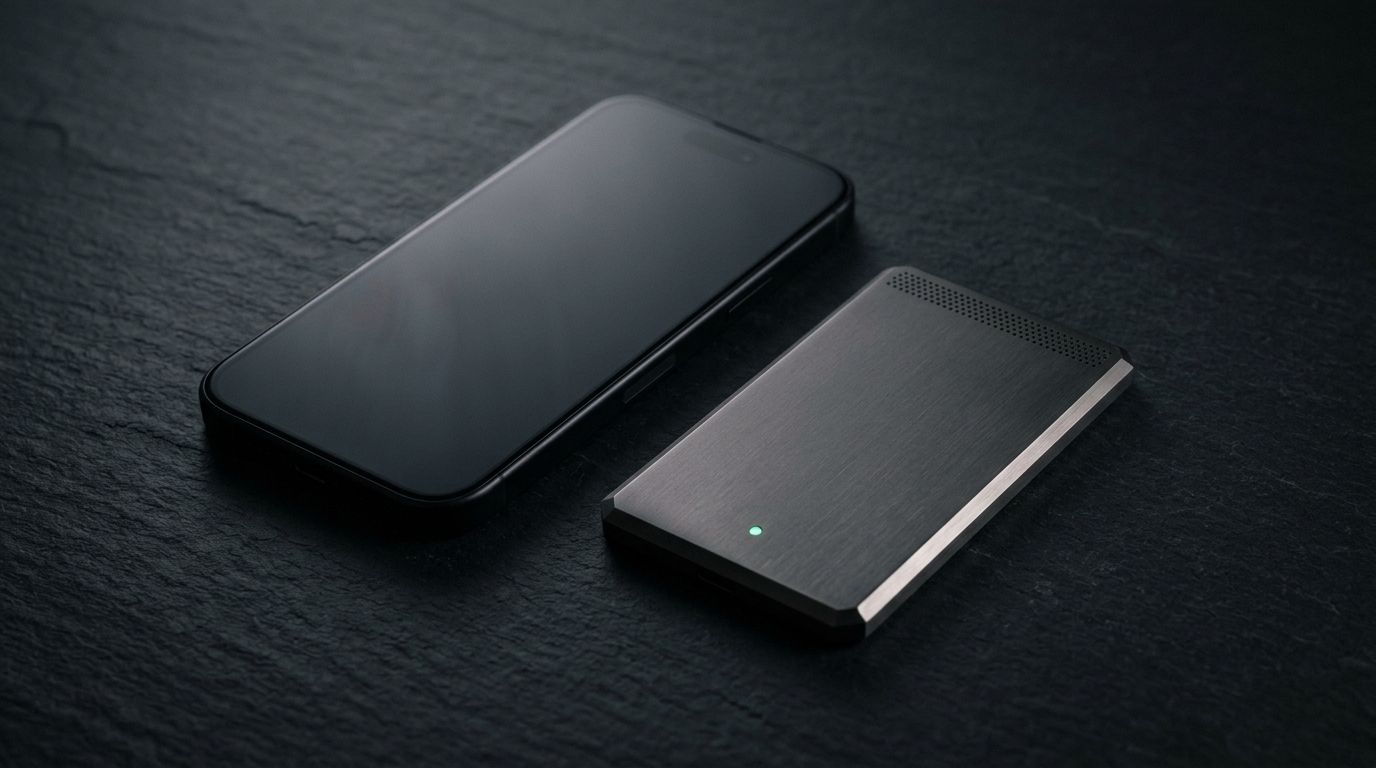
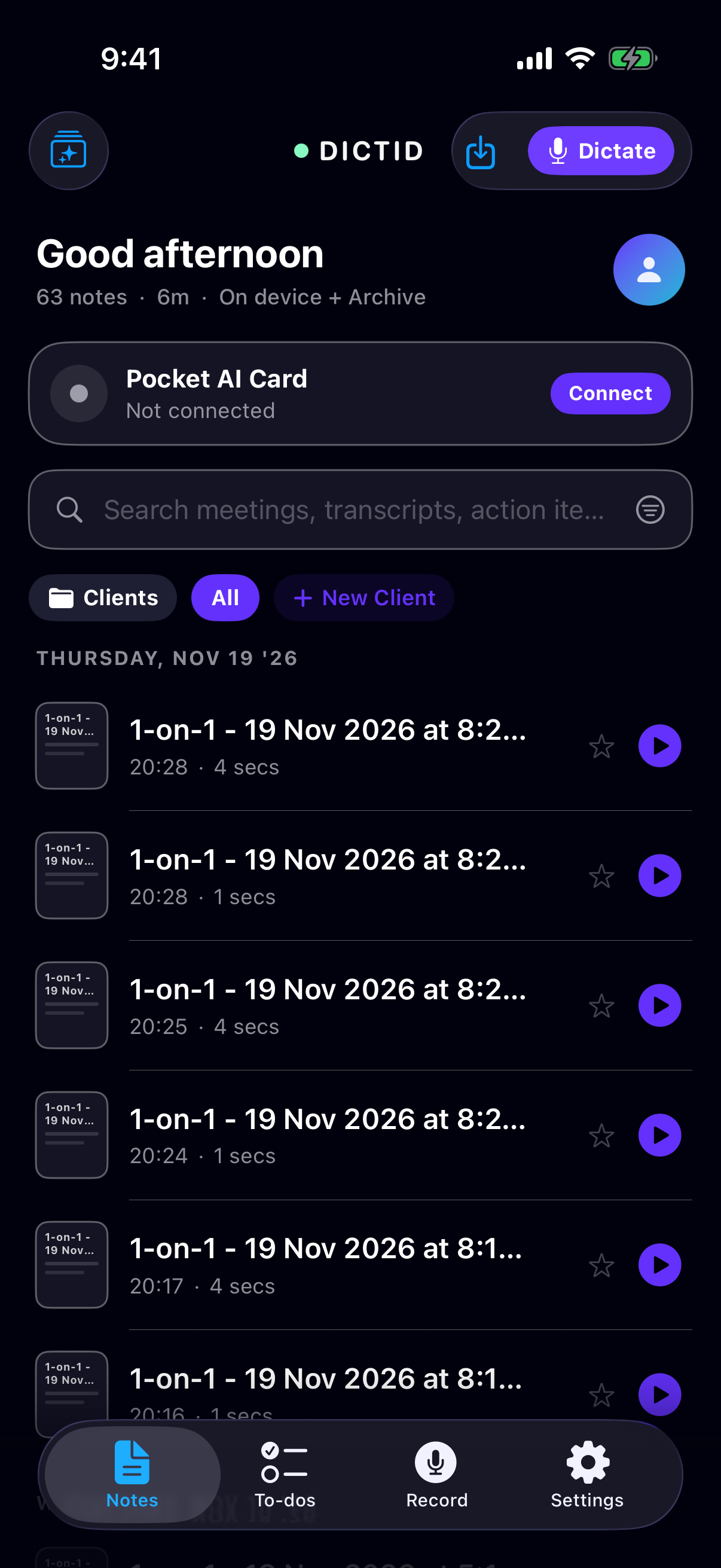
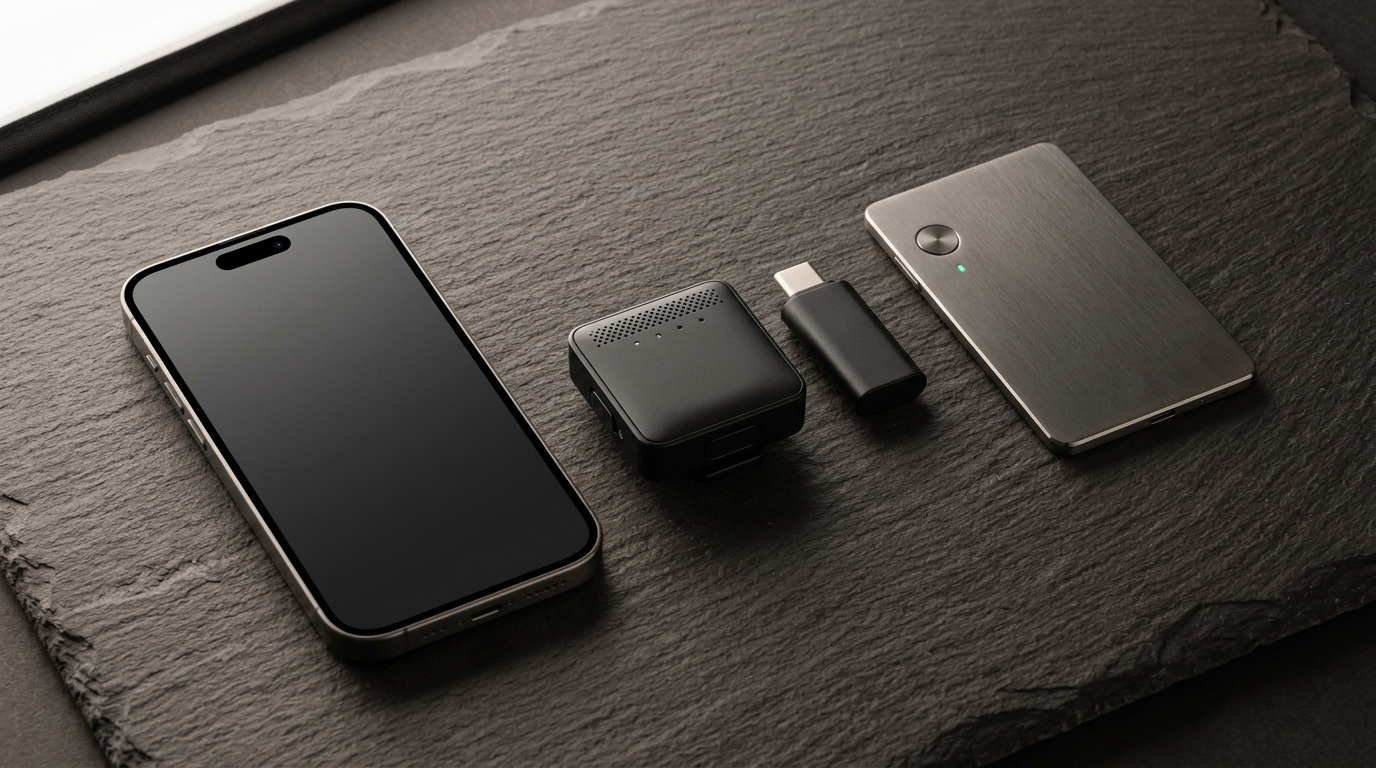
Capture on iOS, Android, macOS desktop, DJI wireless mics, or a generic Pocket AI card.



Category of one
Otter and Fireflies send awkward bots into calls. Granola only hears your laptop. Plaud, Pocket, and discontinued Limitless hardware lock you into proprietary devices and cloud fees. dictid replaces all three.
Click through a live transcript, generated brief, and Pocket card sync.
01 · Capture
Record on phone, capture Zoom, Teams, and Meet bot-free on Mac, plug in DJI or RØDE wireless mics, or sync a Pocket AI card.
02 · Transcribe
Local Whisper and SpeakerKit diarisation across 34+ languages in 166 ms, with zero cloud ASR bytes.
03 · Act
Generate structured briefs with your own AI key or Managed AI, ask across all meetings, and post Adaptive Cards to Teams.
Keep the 16 kHz WAV master untouched on disk. Summary prompts run only when someone taps generate.
Agreed. Neural Engine finishes diarisation in four seconds: no audio ever leaves the handset.
Push the action items to Teams, and archive the WAV to our own S3 bucket tonight.
DECISIONS
OWNERS & ACTIONS
dictid-card-4fOK192.168.4.1OK42.8 MBDONEEvery meeting gets the exact structure it needs, from boardrooms to building sites.
Topics, decisions, open questions
Goals, scope, budget & timeline
Working flows, bugs, UX & fix plan
Subjective, objective, assessment, plan
Facts, legal risks, next steps
Site defects, trades, sign-off criteria
Motions, risks noted, deferred items
Create your own sections & prompts
Benchmarked against meeting bots, bot-free desktop apps, and proprietary hardware cards.
| Capability | Meeting BotsOtter, Fireflies, Read.ai | Bot-Free DesktopGranola, Fathom | Hardware CardsPlaud, Pocket | dictidiOS, Android, macOS + any mic |
|---|---|---|---|---|
| Bot-free online calls | No (bot joins call) | Yes (desktop only) | No (phone/card only) | Yes (macOS ScreenCaptureKit) |
| In-person & field capture | Phone mic only | No | Proprietary card ($209 to $249+) | Any mic, DJI/RØDE, or Pocket card |
| On-device transcription | No (cloud upload) | No (cloud upload) | No (cloud upload) | 100% on-device (offline capable) |
| Speaker diarisation | Cloud | Cloud | Cloud (paid tier) | On-device (166 ms SpeakerKit) |
| Transcription fees | Per-minute / seat tiers | Tiered limits | 300 min/mo free, then paid | $0 unlimited forever |
| AI provider choice | Vendor locked | Vendor locked | Vendor locked | BYOK (Claude, Gemini, OpenAI) or Managed |
| Cross-meeting Q&A | Paid tier | Yes | Limited | Yes (local retrieval + citations) |
| Consent & audio retention | Partial | No | Basic | Pre-record consent + audio-only expiry |
Start recording in seconds, with no account required.
Free
NO ACCOUNTAU$0 forever
Everything on your handset, free forever.
Archive
SOLO SYNCAU$9 / month
Encrypted cloud backup & sync across devices.
Pro
MOST POPULARAU$19 / month
High-capacity archive and managed AI for heavy workflows.
Team
3 SEATSAU$39 / month
Pooled storage, managed AI, and shared workspace for teams.
Common questions
Everything important about hardware, privacy, and billing in plain English.
No. dictid works right away with your iPhone, Android, or Mac microphone, any DJI or RØDE wireless mic, USB-C or Bluetooth headsets, or generic AliExpress MagSafe recorder cards.
On macOS, dictid uses Apple ScreenCaptureKit to mix system call audio with your microphone locally. No meeting bot ever joins your call, and no audio is streamed to a vendor ASR server.
No. Local Whisper transcription and SpeakerKit diarisation run on-device across 34+ languages, even in airplane mode. You can also enable a pre-record consent notice and automatic audio-only expiry (7, 30, or 90 days).
Bring your own Claude, Gemini, or OpenAI API key stored in your device keychain, or choose optional Managed AI credits on paid plans. Ask across all meetings runs local retrieval with exact transcript citations.
Recording and on-device transcription keep working forever, and all previously archived recordings remain readable and downloadable. Only new cloud uploads stop.

Ready in 30 seconds
Start recording and transcribing free on iOS, Android, and macOS today.